Explore the workflow
AI Image Generator: how it works
Turn a written brief into images for product concepts, social posts and creative experiments. Compare Google Nano Banana models with ChatGPT Image 2.5 in one image generator, then choose the format and quality that fit your project.
Models available in this tool
Nano Banana 2
The Gemini 3.1 Flash Image model. Start with a prompt or reference images, then choose the available resolution and aspect ratio.
Nano Banana Pro
The Gemini 3 Pro Image model. Use it for another interpretation of a brief and compare the composition, lettering and reference fidelity yourself.
OpenAI
ChatGPT Image 2.5
Generate one to four images together or edit one reference image. Choose Low, Medium or High quality.
Model names identify the technology available through Explode Content. Availability and controls are specific to this tool.
Text to image or reference editing
For a new image, describe the subject, setting, lighting and composition. For an edit, upload a PNG, JPG or WEBP reference and say what should change and what should stay the same. Reference files can be up to 6 MB each; the allowed number depends on the selected model.
Choose format before generating
Square images suit product concepts and feed posts; portrait compositions suit vertical layouts; landscape compositions leave room for wider scenes. GPT Image uses square 1024 × 1024, portrait 1024 × 1536 or landscape 1536 × 1024 output. A selected aspect ratio maps to one of those formats for GPT Image.
Compare drafts before increasing quality
Start with a clear brief and a small batch. Inspect details such as text, hands, reflections and product proportions, then revise the prompt or use a reference. Quality and quantity affect the credit estimate shown in the tool. Download individual images or the complete batch as a ZIP.
How to use AI Image Generator
- Write a prompt or add a reference image.
- Choose Nano Banana 2, Nano Banana Pro or ChatGPT Image 2.5, then set format, quality and quantity.
- Create your free account, check the credit estimate and generate your images.
- Inspect the results and download the images you want to keep.
Example brief
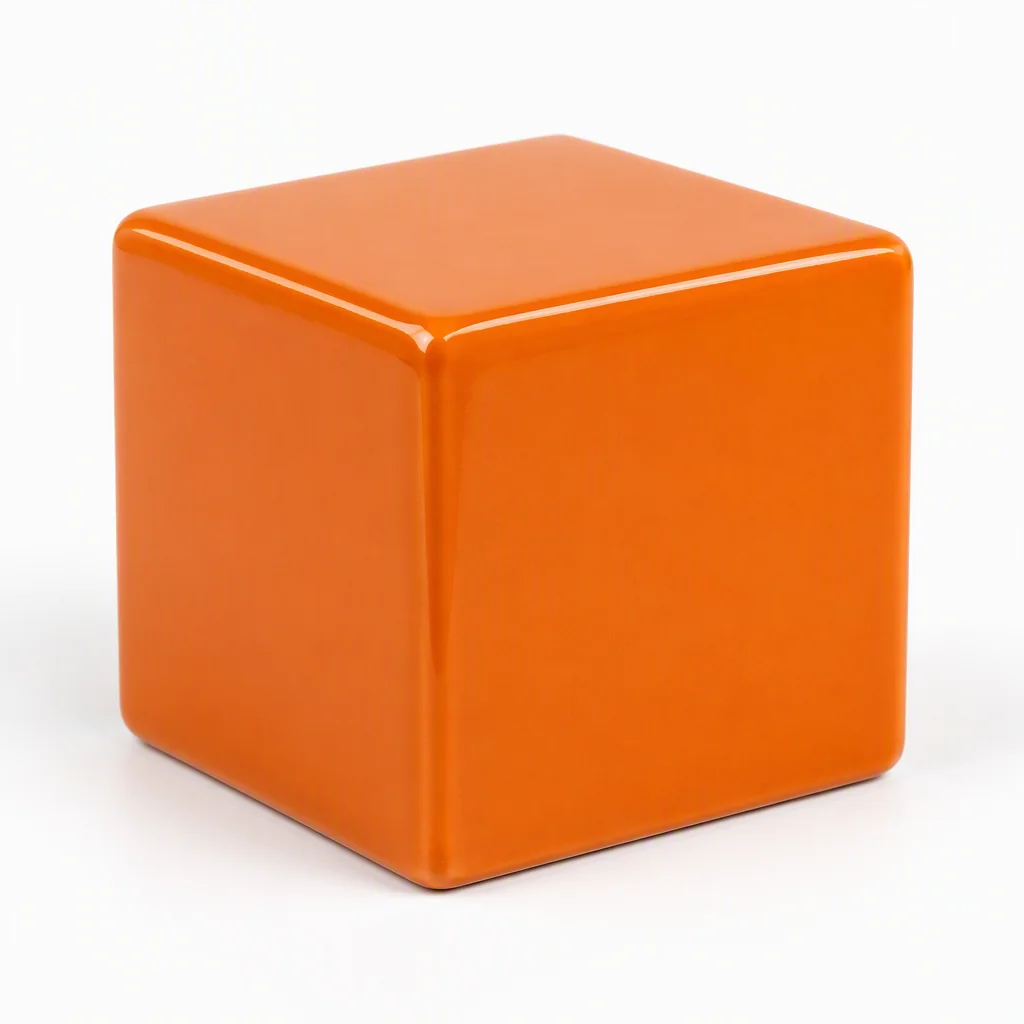
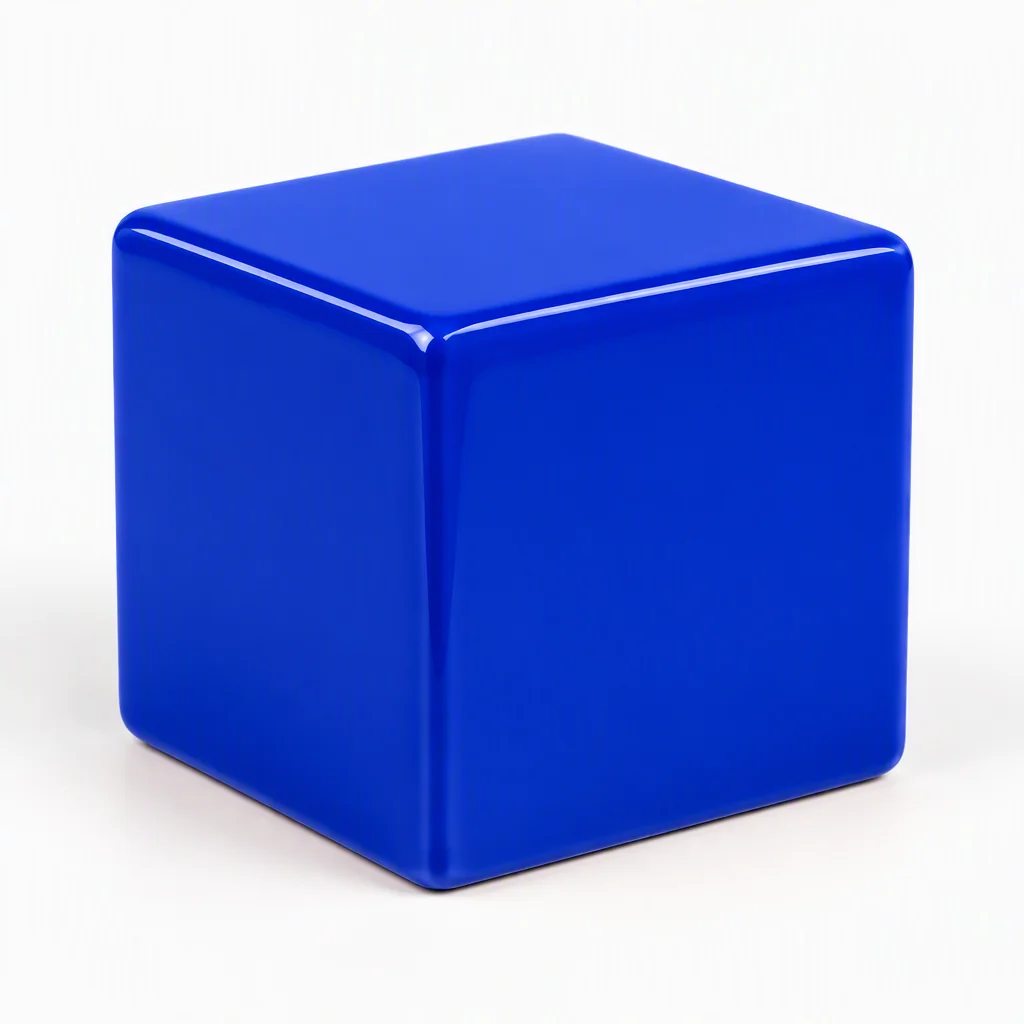
A cobalt blue ceramic cube on a white studio background, soft natural shadow, centered product photograph. For an edit: change only the cube to blue; preserve its shape, position and background.
A real generation and reference edit
Frequently asked questions
Is Nano Banana a Google model?
Yes. Nano Banana 2 is the product name used here for Gemini 3.1 Flash Image, and Nano Banana Pro for Gemini 3 Pro Image. These are Google models available through Explode Content.
Which GPT Image model is available?
Choose ChatGPT Image 2.5 in the model selector to generate an image or edit a reference.
Can I edit an image instead of generating from scratch?
Yes. Add a reference and explain the edit. ChatGPT Image 2.5 accepts one reference in this tool; Nano Banana supports the reference limit shown after selecting the model.
Can I use the tool without signing in?
You can explore the controls and read the guide without an account. Generating or editing images requires a registered account and sufficient credits. Registration is free; generation consumes credits.